If you want to track LLM token usage, you do not need to count tokens yourself. Every completion from OpenAI, Anthropic, Google and the other providers already carries a usage block with the exact number of input and output tokens the provider billed, including how many were served from the prompt cache and how many a reasoning model spent thinking. Until Swarms v16 the framework threw those numbers away. Now every Agent keeps them, and every swarm adds them up. This guide shows how to read them per agent, per run and per swarm, how to turn them into dollars, and how to check the size of a request before you send it.
Install Swarms 16
pip install -U swarms
# or
uv pip install -U swarms
The features in this guide need Swarms 16 or later.
Set the key for the provider you use. The examples run on OpenAI's gpt-5.4-mini; the last one also uses a TypeSafe key:
export OPENAI_API_KEY="sk-..."
export TYPESAFE_API_KEY="..."
A .env file in your working directory with the same lines works too. Swarms loads it automatically on import. Then check the version:
python -c "import swarms; print(swarms.__version__)"
Track LLM token usage per agent with agent.usage
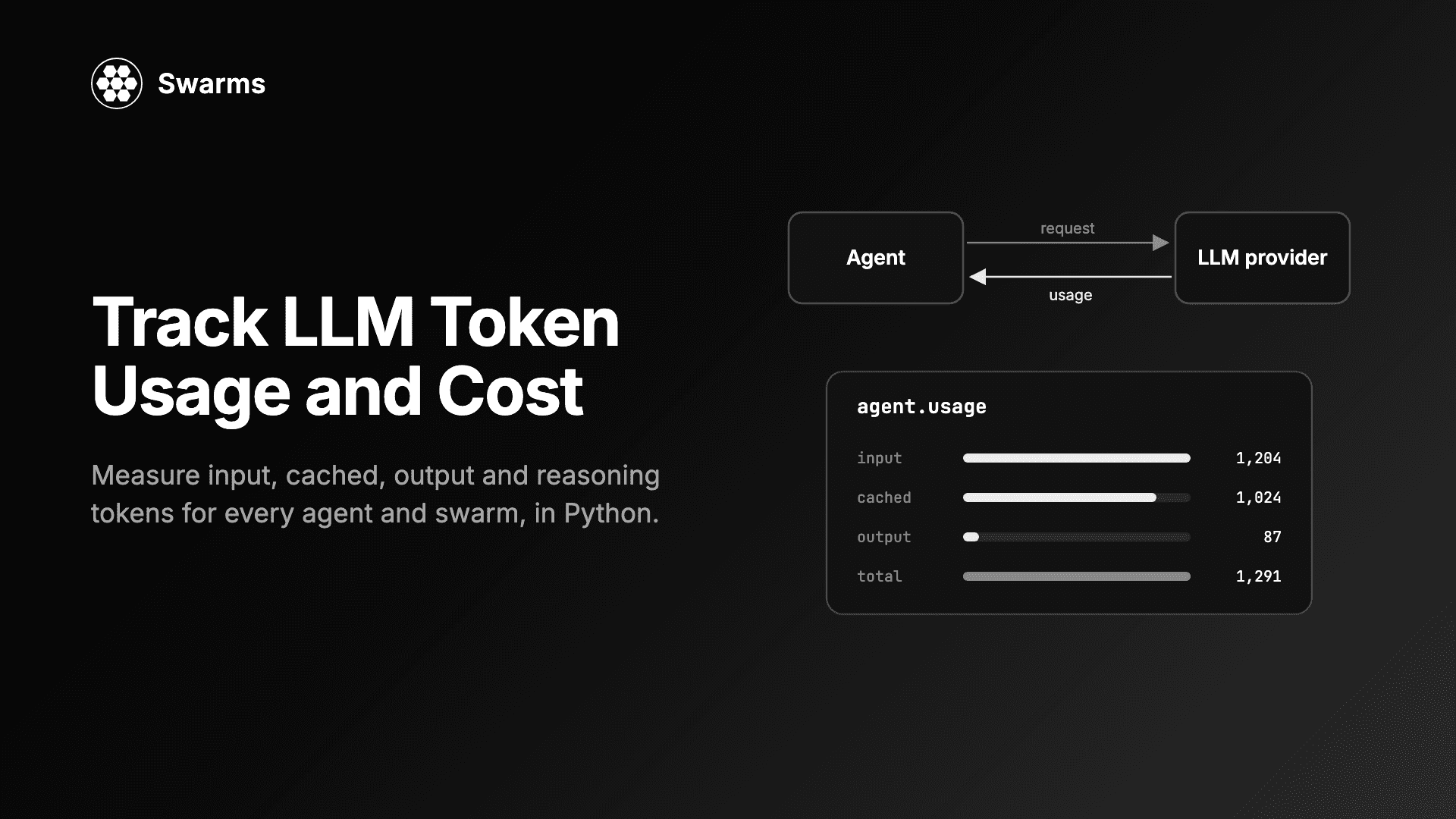
agent.usage is a dictionary of five counters, summed over every LLM call the agent has made:
| Key | What it counts |
|---|
input_tokens | Tokens sent to the model, as billed by the provider |
output_tokens | Tokens the model generated, as billed |
cached_tokens | The part of input_tokens served from the provider's prompt cache |
reasoning_tokens | The part of output_tokens a reasoning model spent thinking |
total_tokens | Input plus output |
Two of these are breakdowns, not additions. Cached tokens are already inside input_tokens, and reasoning tokens are already inside output_tokens. A provider that does not report a breakdown yields 0, which means unknown rather than none.
from swarms import Agent

agent = Agent(
    agent_name="Usage-Demo",
    system_prompt="You answer in two sentences.",
    model_name="gpt-5.4-mini",
    max_loops=1,
    output_type="final",
    print_on=False,
)

answer = agent.run("What is prompt caching, and why does it lower LLM costs?")
print(answer)
print(agent.usage)
Our run printed the answer, then:
{'input_tokens': 30, 'output_tokens': 65, 'cached_tokens': 0, 'reasoning_tokens': 0, 'total_tokens': 95}
usage counts every call, not just the first. An agent with tools makes a second call each loop to summarise the tool result, and that call lands in the same total. The property returns a copy, so nothing you do to the dictionary can corrupt the running count. output_type="final" makes run() return only the answer rather than the whole conversation, and print_on=False keeps the output panels out of your terminal.
Cost a single run with before and after snapshots
agent.usage is a lifetime total. It keeps growing across run() calls, which is what you want for a long-lived agent and not what you want when you ask "what did that request cost?". The answer is to take a snapshot before the run and subtract it afterwards.
This example also converts tokens to dollars, which is the core of LLM cost tracking. Swarms already depends on LiteLLM, and LiteLLM ships a price table for most models with litellm.cost_per_token. Pass the cached tokens as cache_read_input_tokens and LiteLLM prices them at the cache rate, treating them as part of prompt_tokens, which matches how agent.usage reports them. Reasoning tokens need no extra term: they are already in output_tokens and billed at the output rate.
import litellm
from swarms import Agent

MODEL = "gpt-5.4-mini"


def usage_cost(model: str, usage: dict) -> float:
    """Dollar cost of a usage dict, priced from litellm's model price table."""
    input_cost, output_cost = litellm.cost_per_token(
        model=model,
        prompt_tokens=usage["input_tokens"],
        completion_tokens=usage["output_tokens"],
        cache_read_input_tokens=usage["cached_tokens"],
    )
    return input_cost + output_cost


def usage_delta(before: dict, after: dict) -> dict:
    """Usage between two snapshots of agent.usage."""
    return {key: after[key] - before[key] for key in after}


agent = Agent(
    agent_name="Cost-Demo",
    system_prompt="You are a concise database consultant.",
    model_name=MODEL,
    max_loops=1,
    output_type="final",
    print_on=False,
)

agent.run("Name three workloads that suit a vector database.")

before = agent.usage
agent.run("Which of those three needs the lowest latency, and why?")
this_run = usage_delta(before, agent.usage)

print(f"second run: {this_run}  ${usage_cost(MODEL, this_run):.6f}")
print(f"lifetime:   {agent.usage}  ${usage_cost(MODEL, agent.usage):.6f}")
Our output:
second run: {'input_tokens': 118, 'output_tokens': 129, 'cached_tokens': 0, 'reasoning_tokens': 0, 'total_tokens': 247}  $0.000669
lifetime:   {'input_tokens': 144, 'output_tokens': 202, 'cached_tokens': 0, 'reasoning_tokens': 0, 'total_tokens': 346}  $0.001017
The snapshot exposes something a lifetime total hides. The first run sent 26 input tokens; the second sent 118, because the agent re-sends the first question and answer as context. History is the input cost that grows on its own, and per-run deltas are how you see it.
The dollar figures are only as current as LiteLLM's price table, which LiteLLM updates from its own repository. Check the rates against your provider's price list, and if you have negotiated prices, pass them with the custom_cost_per_token argument instead.
Cached tokens and reasoning tokens
These two counters are where the bill and a naive token count diverge most.
Cached tokens. OpenAI caches the prefix of long prompts automatically, and Anthropic and Google offer their own prompt caches. A cached input token is still an input token, but it is billed at a lower rate. Reasoning tokens are the hidden thinking of a reasoning model: you never see them in the answer, and you pay for every one at the output rate.
This agent has a long, fixed system prompt (a stand-in for a policy manual or tool guide) and a reasoning effort, and it answers two questions:
from swarms import Agent

# A stand-in for a long, fixed system prompt: a policy manual or tool guide.
POLICY = "\n".join(
    f"Rule {i}: state every figure with its unit and the table it came from."
    for i in range(1, 151)
)

agent = Agent(
    agent_name="Cache-Demo",
    system_prompt=f"You are a careful analyst.\n\n{POLICY}",
    model_name="gpt-5.4-mini",
    reasoning_effort="medium",
    max_loops=1,
    output_type="final",
    print_on=False,
)

tasks = [
    "A train leaves at 09:40 and arrives at 13:05. How long is the trip?",
    "A tank fills at 12 litres per minute. How long does 300 litres take?",
]

for task in tasks:
    before = agent.usage
    agent.run(task)
    run = {key: agent.usage[key] - before[key] for key in before}
    print(
        f"input={run['input_tokens']} cached={run['cached_tokens']} "
        f"output={run['output_tokens']} reasoning={run['reasoning_tokens']}"
    )
Our output:
input=2588 cached=0 output=108 reasoning=65
input=2650 cached=2304 output=89 reasoning=45
On the second call, 2,304 of 2,650 input tokens came from the cache. Priced with litellm.cost_per_token, that call's input cost $0.00043 instead of the $0.0020 it would have cost uncached. On the output side, 65 of 108 and 45 of 89 tokens were reasoning, more than half of what each answer cost. A tokenizer run over the visible answer would have missed all of it.
The practical lesson: keep the long, stable part of a prompt at the front and the variable part at the end, so the prefix the provider caches is as long as possible.
Streaming runs are counted
A streamed response carries no usage unless the client asks for it. Before v16, streaming agents reported zero. Swarms now sends stream_options={"include_usage": True} and records the provider's final usage-only chunk as the stream is consumed, so streaming and non-streaming runs report the same way:
from swarms import Agent

agent = Agent(
    agent_name="Stream-Demo",
    model_name="gpt-5.4-mini",
    max_loops=1,
    print_on=False,
)

for token in agent.run_stream("Write a haiku about token budgets."):
    print(token, end="", flush=True)

print()
print(agent.usage)
Our run streamed the haiku and then printed {'input_tokens': 217, 'output_tokens': 20, 'cached_tokens': 0, 'reasoning_tokens': 0, 'total_tokens': 237}. The 217 input tokens are mostly the default system prompt this agent was given because it set none. The one rule: a streamed call counts once its stream has been fully consumed, because that is when the usage chunk arrives.
Token counting in Python before you send: agent.input_tokens
agent.usage tells you what past calls cost. agent.input_tokens answers a different question: how big is the next request going to be? It counts the system prompt, the whole conversation in the agent's memory and any tool schemas with the tokenizer for the agent's own model_name, locally, with no API call.
The common use is a budget check before a large request. input_tokens does not include a task you have not sent yet, so add the task with count_tokens:
import litellm
from swarms import Agent, count_tokens

MODEL = "gpt-5.4-mini"

agent = Agent(
    agent_name="Budget-Demo",
    system_prompt="You summarise documents in three bullets.",
    model_name=MODEL,
    max_loops=1,
    output_type="final",
    print_on=False,
)

document = "\n".join(
    f"Q{q} revenue grew {q * 3}% while support tickets fell {q * 2}%."
    for q in range(1, 41)
)
task = f"Summarise this report:\n\n{document}"

window = litellm.get_model_info(MODEL)["max_input_tokens"]
planned = agent.input_tokens + count_tokens(task, model=MODEL)
print(f"planned input: {planned} of {window} tokens")

if planned > 0.9 * window:
    raise SystemExit("Too large: split the document first.")

agent.run(task)
print(f"billed input:  {agent.usage['input_tokens']} tokens")
print(f"next request:  {agent.input_tokens} tokens")
Our output:
planned input: 632 of 272000 tokens
billed input:  584 tokens
next request:  746 tokens
So the difference between input_tokens and usage["input_tokens"] is direction and source. input_tokens looks forward: it is a local estimate of what the agent holds right now, and after the run it has grown to 746 because the answer is now part of the history. usage["input_tokens"] looks back: it is what the provider billed, summed over every call so far. Use the first to decide whether to send a request, and the second to account for it.
Why provider-reported counts beat a tokenizer
The estimate above ran 48 tokens (about 8%) over the billed figure, because it counts the conversation as rendered text, role labels included. That is the expected direction for a budget check, and the wrong number for a bill. A local tokenizer is a fine guard and a poor ledger, for reasons that apply to every provider:
- Tokenizers are not all public. OpenAI publishes its encodings. For models whose tokenizer is not published, a local count is an approximation from a different encoding.
- The provider adds framing you cannot see. Chat templates, message separators and the way tool schemas are rendered into the prompt happen on the server.
- Only the provider knows the discounts and the hidden work. A local count cannot tell which input tokens hit the cache, and it cannot see reasoning tokens at all, since they never appear in the response text.
- Output length is unknown until generation ends. You can estimate input before a call; you can only measure output after it.
That is why agent.usage reads the provider's usage block, which LiteLLM normalises to the same shape for every provider, rather than counting text.
Swarm-level totals: SwarmRouter.usage, GraphWorkflow.usage, HeavySwarm.usage
In a multi-agent system the question is what the whole run cost, and summing your own agents is not enough. Many structures build agents of their own, such as a HierarchicalSwarm director, a MixtureOfAgents aggregator or a council's judge, and those agents never appear in the list you passed in. (If you are choosing between structures, agent orchestration patterns compares them.)
SwarmRouter.usage adds up your agents plus any agent a built swarm holds on its own, and deduplicates by identity, so an agent that appears in both places counts once:
from swarms import Agent, SwarmRouter

workers = [
    Agent(
        agent_name=name,
        system_prompt=prompt,
        model_name="gpt-5.4-mini",
        max_loops=1,
        print_on=False,
    )
    for name, prompt in [
        ("Researcher", "Gather the key facts. Be brief."),
        ("Writer", "Write a three-sentence brief. Be brief."),
    ]
]

router = SwarmRouter(
    agents=workers,
    swarm_type="HierarchicalSwarm",
    director_model_name="gpt-5.4-mini",
    max_loops=1,
)
router.run("Should a five-person startup self-host its LLM? Recommend one option.")

worker_total = sum(agent.usage["total_tokens"] for agent in workers)
print("workers:", worker_total)
print("router: ", router.usage["total_tokens"])
print("director share:", router.usage["total_tokens"] - worker_total)
The swarm prints its own panels; the last lines of our run were:
workers: 890
router:  4176
director share: 3286
The director, which you never created, spent 79% of the tokens. Summing the workers would have under-reported this run by a factor of almost five.
GraphWorkflow.usage walks every node, including agents inside nested subgraphs at any depth, and counts each agent once even if it backs several nodes:
from swarms import Agent, GraphWorkflow

def make(name: str, prompt: str) -> Agent:
    return Agent(
        agent_name=name,
        system_prompt=prompt,
        model_name="gpt-5.4-mini",
        max_loops=1,
        print_on=False,
    )

planner = make("Planner", "List two angles to analyse. One line each.")
bull = make("Bull", "Give the strongest case for. Two sentences.")
bear = make("Bear", "Give the strongest case against. Two sentences.")
judge = make("Judge", "Weigh both cases and decide. Two sentences.")

graph = GraphWorkflow(name="usage-graph")
for agent in (planner, bull, bear, judge):
    graph.add_node(agent)
graph.add_edge("Planner", "Bull")
graph.add_edge("Planner", "Bear")
graph.add_edge("Bull", "Judge")
graph.add_edge("Bear", "Judge")

graph.run("Should a mid-size retailer move its data warehouse to the cloud?")

for agent in (planner, bull, bear, judge):
    print(f"{agent.agent_name:<8} {agent.usage['total_tokens']}")
print(f"graph    {graph.usage['total_tokens']}")
Our run printed 74, 253, 242 and 648 tokens for the four agents and 1,217 for the graph. The judge at the fan-in point costs the most, since it reads both branches.
HeavySwarm.usage also counts question generation, which runs on a bare LiteLLM client rather than an Agent, so before v16 its tokens were billed and counted nowhere:
from swarms import HeavySwarm

swarm = HeavySwarm(
    question_agent_model_name="gpt-5.4-mini",
    worker_model_name="gpt-5.4-mini",
    max_loops=1,
)
swarm.run("Is a four-day work week viable for a 40-person agency? Be brief.")

agent_total = sum(agent.usage["total_tokens"] for agent in swarm.agents.values())
print("agents:", agent_total)
print("swarm: ", swarm.usage["total_tokens"])
print("question generation:", swarm.usage["total_tokens"] - agent_total)
Our run ended with:
agents: 743088
swarm:  743703
question generation: 615
The 615 tokens of question generation are small. The 743,088 tokens across the swarm's agents are not, despite "Be brief" in the task. HeavySwarm is built for deep analysis and its workers do a lot of work, which is exactly why you read swarm.usage on one task before you put it in a loop. Runaway spend in a multi-agent system is one of the failure modes that a usage counter catches early.
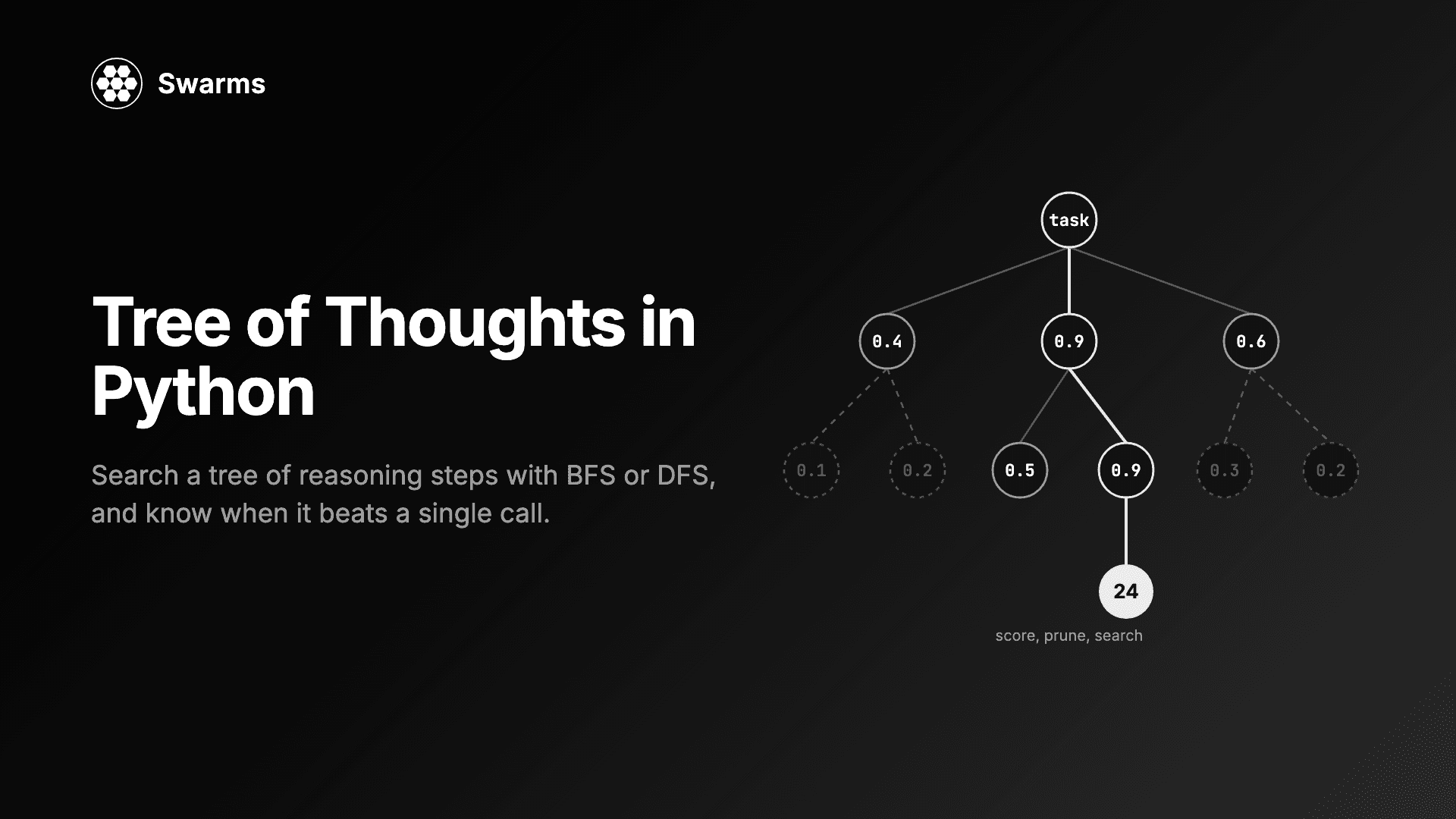
All three totals are lifetime totals, like agent.usage, so the same snapshot-and-subtract pattern gives you the cost of one swarm run. TreeOfThoughts has the same usage property, covering every call its search makes; see the Tree of Thoughts guide.
Usage and per-request cost on DecisionModel
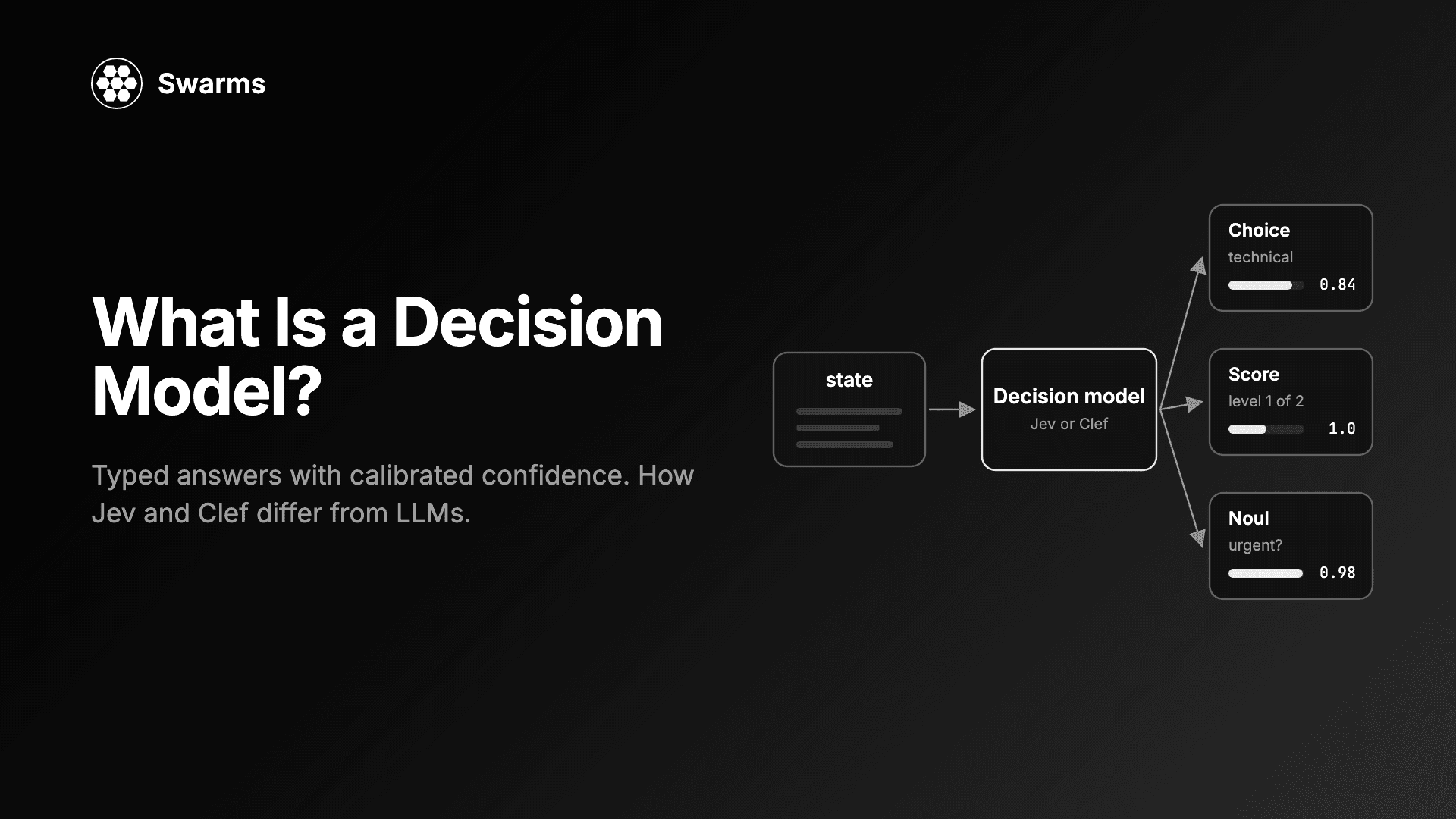
DecisionModel answers typed questions (a choice, a score, a yes/no probability) with calibrated confidence instead of generating text, so a router or guardrail costs one small request. The latest master adds token accounting and prices to it: DecisionModel.usage sums the input and output tokens the provider reports over every request, including the single-question helpers such as noul, and calculate_cost() prices one response's usage, or the running total when called with no argument.
from swarms import DecisionModel

model = DecisionModel()  # TypeSafe jev-latest, reads TYPESAFE_API_KEY

result = model.run(
    state={"message": "I was charged twice for my subscription this month."},
    questions={
        "team": {
            "type": "choice",
            "instructions": "Which team should handle this?",
            "criteria": {"billing": "Payments and refunds", "technical": "Bugs and outages"},
        },
        "urgent": {"type": "noul", "instructions": "Is this urgent?"},
    },
)
print(result["answers"]["team"]["choice"], result["usage"])
print(model.calculate_cost(result["usage"]))

model.noul(state="The site is down for everyone.", instructions="Is this urgent?")
print(model.usage)
print(model.calculate_cost())
Our output (float digits trimmed):
billing {'input_tokens': 339, 'output_tokens': 48}
{'input_tokens': 339, 'output_tokens': 48, 'input_cost': 1.4238e-05, 'output_cost': 0.0, 'total_cost': 1.4238e-05}
{'input_tokens': 616, 'output_tokens': 68}
{'input_tokens': 616, 'output_tokens': 68, 'input_cost': 2.5872e-05, 'output_cost': 0.0, 'total_cost': 2.5872e-05}
TypeSafe does not report prices through its API, so jev models use the built-in price of $0.042 per million input tokens with free output; get_decision_model_prices() lists every model's price, and Cloudflare's clef prices are fetched live when CLOUDFLARE_ACCOUNT_ID and CLOUDFLARE_AUTH_TOKEN are set. Routing a request with a decision model cost us about $0.000014 here. How that changes the economics of a multi-agent system is the subject of how to reduce LLM costs with a decision model, and what is a decision model explains the model itself.
Where to go from here
Start with one habit: print agent.usage after every run while you develop, and snapshot it around anything you want to price. Once you move to multi-agent systems, read the swarm's usage, not the sum of your agents, because the director, aggregator or judge is often the biggest line. If you are new to what an agent holds and re-sends between calls, what is an agent is the place to begin. The full list of token accounting changes, with their pull requests, is in the Swarms v16 "Overclock" release notes. Runnable walkthroughs ship in the repository at examples/single_agent/utils/agent_usage.py and examples/multi_agent/swarm_router/swarm_router_usage.py.
FAQ
How do I get token usage from an OpenAI API response in Python?
Each chat completion has a usage field with prompt_tokens, completion_tokens and total_tokens, plus prompt_tokens_details.cached_tokens and completion_tokens_details.reasoning_tokens. In Swarms you do not read it by hand: every call's usage block is added to agent.usage, for OpenAI and for every other provider LiteLLM supports.
Are cached tokens included in input tokens?
Yes. cached_tokens is the part of input_tokens served from the prompt cache, not an extra amount. When you price a run, bill input_tokens - cached_tokens at the input rate and cached_tokens at the cache rate, or pass both to litellm.cost_per_token as shown above.
Does streaming report token usage?
Yes, if the client requests it. Swarms sends stream_options={"include_usage": True} on every streamed call and records the usage chunk at the end of the stream, so agent.usage is complete once the stream has been consumed.
How do I calculate the cost of an LLM call from its tokens?
Multiply each token class by its rate: uncached input, cached input and output, with reasoning tokens billed as output. litellm.cost_per_token(model=..., prompt_tokens=..., completion_tokens=..., cache_read_input_tokens=...) does this from LiteLLM's price table and returns the input and output cost in dollars.
Does agent.usage reset between runs?
No. It is the total over the agent's lifetime, and the same is true of router.usage, GraphWorkflow.usage and HeavySwarm.usage. To cost one run, copy usage before the run and subtract it from usage after.