指南工程
如何在 Swarms 中使用 Gemini Decision 1
Google 的 gemini-decision-1 用经过校准的概率回答是非、选择和评分问题,输出 token 为零。本文介绍如何在开源 Swarms 框架中用 DecisionModel 调用它,以及如何用它在智能体之间路由请求。
Swarms 团队5 分钟阅读

Google 的 gemini-decision-1 用经过校准的概率回答是非、选择和评分问题,输出 token 为零。本文介绍如何在开源 Swarms 框架中用 DecisionModel 调用它,以及如何用它在智能体之间路由请求。
智能体系统把大量 token 花在小判断上:这个请求该交给哪个智能体,它是否紧急,答案是否已经足够好可以停止。生成式模型用一段文字来回答,你的代码还得再去解析这段文字。
Google 的 Gemini Decision 1(gemini-decision-1)就是为这类判断设计的。你把输入和一组带类型的问题发给它,它返回经过校准的概率,输出 token 为零。开源的 Swarms 框架通过 DecisionModel 支持它,这个类同样覆盖 TypeSafe、Cloudflare 和 OpenAI 的决策模型。
本文讲大多数人需要的三件事:第一次调用,一次请求问多个问题,以及在智能体之间做路由。
对 Gemini 的支持目前在 Swarms 的 master 分支上,会随下一个版本发布,所以暂时从 GitHub 安装。然后设置一个来自 Google AI Studio 的密钥。
pip install -U git+https://github.com/kyegomez/swarms.git
export GEMINI_API_KEY="..."
DecisionModel 直接调用 Gemini 的 HTTP API,不需要安装其他包。
from swarms import DecisionModel

model = DecisionModel(model_name="gemini-decision-1")

probability = model.noul(
    state="The blue mug I ordered on Monday arrived cracked on Wednesday.",
    instructions="Did the item arrive damaged?",
)

print(f"Damaged: {probability:.2f}")
noul() 返回一个浮点数:答案为“是”的概率。这个数字经过校准,0.8 意味着大约 80% 的情况下是对的。Gemini 会把它限制在 0.01 到 0.99 之间。
另外还有两种问题类型。choice() 从你描述的一组选项中选出一个,score() 按从低到高的等级给输入评分。两者返回的答案都带有每个选项的概率和一个 confidence。
run() 可以在一次请求里针对同一份输入问任意多个问题。Gemini 会独立回答每一个,所以增加一个问题不会影响其他答案。下面的脚本用三种问题类型对一张客服工单分诊,然后决定怎么处理:
from swarms import DecisionModel

model = DecisionModel(model_name="gemini-decision-1")

ticket = {
    "message": "The blue mug I ordered on Monday arrived cracked on Wednesday.",
    "order": {"id": "8821", "age_days": 2},
}

result = model.run(
    state=ticket,
    questions={
        "queue": {
            "type": "choice",
            "instructions": "Which support queue should handle this message?",
            "criteria": {
                "billing": "Payment, invoice or refund questions.",
                "replacements": "Damaged, missing or wrong items.",
                "general": "Product questions and account updates.",
            },
        },
        "severity": {
            "type": "score",
            "instructions": "How severe is this issue for the customer?",
            "criteria": [
                "Minor: the item is usable as it is.",
                "Moderate: the item is usable with a workaround.",
                "Severe: the item cannot be used.",
            ],
        },
        "is_damaged": {
            "type": "noul",
            "instructions": "Did the item arrive damaged?",
        },
        "within_window": {
            "type": "noul",
            "instructions": "Is order.age_days 30 or less?",
        },
    },
)

answers = result["answers"]
queue = answers["queue"]

print(f"Queue: {queue['choice']} (confidence {queue['confidence']:.2f})")
print(f"Severity: {answers['severity']['score']:.2f} on a 0-2 scale")
print(f"Damaged: {answers['is_damaged']['noul']:.2f}")
print(f"Within window: {answers['within_window']['noul']:.2f}")

approved = (
    queue["choice"] == "replacements"
    and queue["confidence"] >= 0.7
    and answers["is_damaged"]["noul"] >= 0.8
    and answers["within_window"]["noul"] >= 0.8
)

if approved:
    print("Action: send a replacement")
else:
    print("Action: send to a human")
模型给你的是数字,策略留在你的代码里,就是可以阅读和测试的普通 if 语句。state 是一个字典,会作为 JSON 文本发送,所以问题可以用键路径引用字段,比如 within_window 引用了 order.age_days。
决策模型很适合做多智能体系统的路由器。它速度快,成本只是一次生成式调用的一小部分,而且会告诉你它有多确定。下面的智能体同样运行在 Gemini 上,用的是同一个密钥:
from swarms import Agent, DecisionModel

agents = [
    Agent(
        agent_name="Billing-Agent",
        agent_description="Refunds, invoices, failed payments and subscription changes.",
        system_prompt="You resolve billing questions clearly and briefly.",
        model_name="gemini/gemini-2.5-pro",
        max_loops=1,
    ),
    Agent(
        agent_name="Technical-Agent",
        agent_description="Bugs, API errors, integrations and outages.",
        system_prompt="You debug technical problems step by step.",
        model_name="gemini/gemini-2.5-pro",
        max_loops=1,
    ),
    Agent(
        agent_name="Sales-Agent",
        agent_description="Pricing, plan upgrades and new accounts.",
        system_prompt="You answer pricing and plan questions.",
        model_name="gemini/gemini-2.5-pro",
        max_loops=1,
    ),
]
agents_by_name = {agent.agent_name: agent for agent in agents}

router = DecisionModel(model_name="gemini-decision-1")


def route(task: str) -> str:
    answers = router.run(
        state=task,
        questions={
            "agent": {
                "type": "choice",
                "instructions": "Which agent should handle this request?",
                "criteria": {
                    agent.agent_name: agent.agent_description
                    for agent in agents
                },
            },
            "in_scope": {
                "type": "noul",
                "instructions": "Is this a request a software company's support team should handle?",
            },
        },
    )["answers"]

    if answers["in_scope"]["noul"] < 0.5:
        return "Declined: out of scope for support."

    decision = answers["agent"]
    if decision["confidence"] < 0.6:
        return "Escalated to a human: the router is unsure who owns this."

    print(f"Routing to {decision['choice']}")
    return agents_by_name[decision["choice"]].run(task)


print(route("I was charged twice for my March invoice, can you refund one?"))
选项来自智能体本身:每个 agent_name 是一个选项,它的 agent_description 说明何时选它。往列表里加一个智能体,路由器就能选到它。第二个问题检查请求是否在处理范围内,置信度下限把不明确的请求交给人工。在这之后才会运行生成式智能体。
同样的思路适用于集群在步骤之间需要做判断的任何地方:当一轮辩论没有新论点时结束辩论,在群聊回复发出之前先打分,或者在层级结构中选择下一个执行者。参考文档里各有一个示例。
text 块加一个带 base64 data 和 mime_type 的 image 块。示例页有完整写法。model.calculate_cost() 给出到目前为止所用 token 的费用。gemini-decision-1 的价格是每百万输入 token 0.10 美元,不产生输出 token。await model.arun(state, questions) 是 run() 的异步版本,可以配合 asyncio.gather 批量筛选。other 这样的选项,并检查 confidence。model = DecisionModel(model_name="gemini-decision-1") # Google, GEMINI_API_KEY
model = DecisionModel(model_name="gpt-6-luna") # OpenAI, OPENAI_API_KEY
model = DecisionModel(model_name="clef") # Cloudflare Workers AI
model = DecisionModel() # TypeSafe jev-latest
本周我们重做了 swarms.world 的页面交付方式。41 个页面现在预先渲染并由 CDN 提供,大多数页面加载的 JavaScript 减少了约四分之一,应用也升级到了 Next.js 16 和 React 19。本文介绍改了什么,以及我们测到了什么。
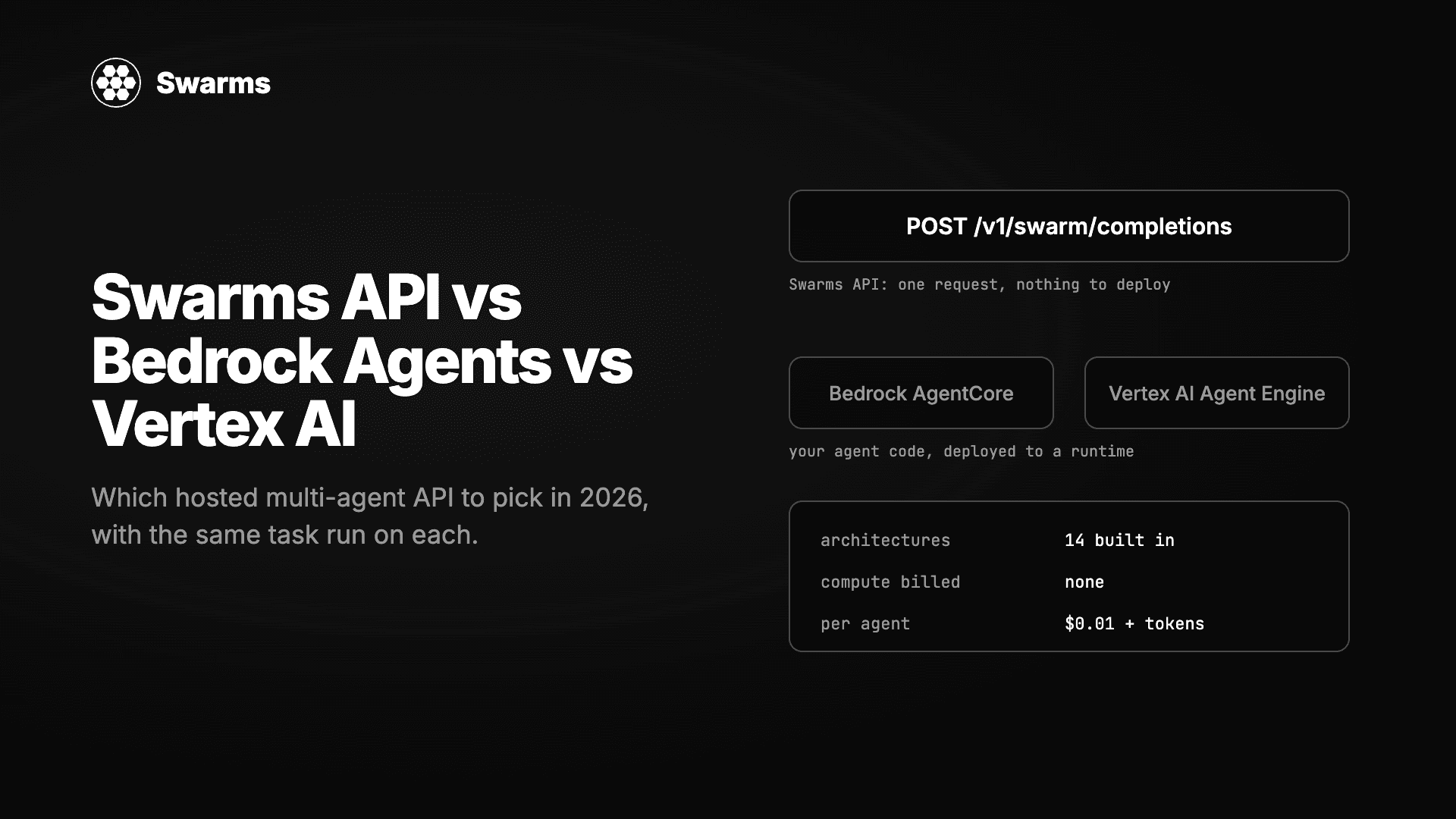
三种无需自建服务器即可运行多智能体系统的方式实测对比:Swarms API、Amazon Bedrock Agents 与 AgentCore、Google 的 Vertex AI Agent Builder 与 ADK。同一任务分别实现,逐项比较架构、模型选择、流式输出、批处理、定价以及拿到第一个结果所需的时间。
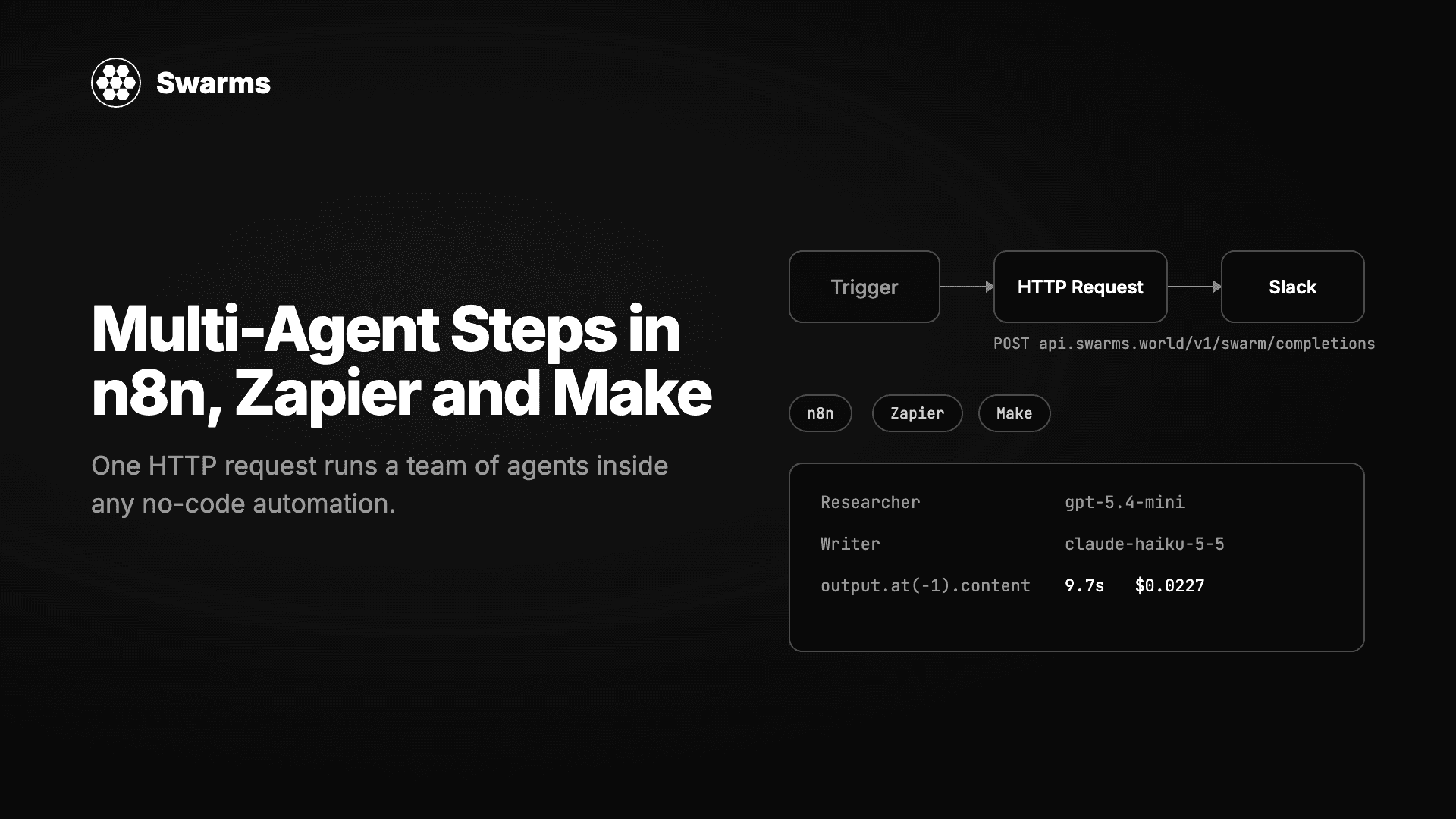
在任何无代码自动化工具中运行一支 AI 智能体团队。一个 HTTP Request 节点、一个 JSON 请求体,Swarms API 就会返回完成的工作。n8n、Zapier 和 Make 的逐步配置,外加三个可直接粘贴的配方:线索补全、工单分诊和每周报告。